
8 frequently asked questions about Prestigio Solutions Multiboard interactive screens
Last updated: October 2026
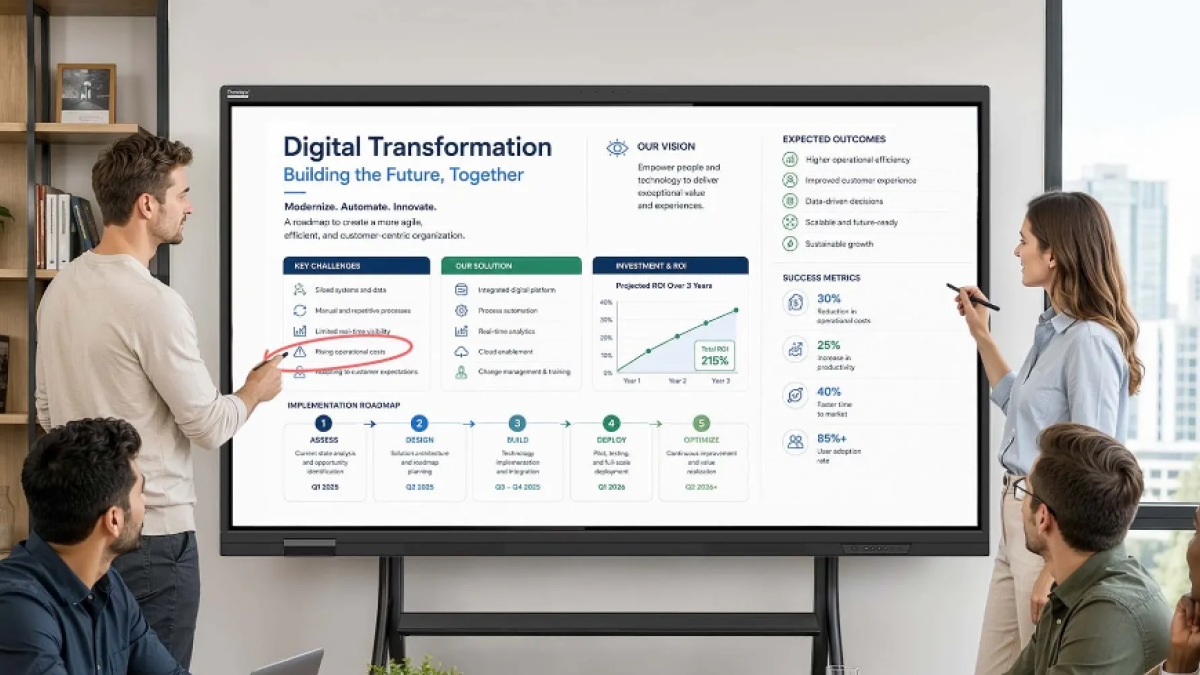
Prestigio Solutions Multiboard Interactive Screen is a high-performance digital touchscreen device designed for interactive presentations, hybrid meetings, digital whiteboarding, and corporate collaboration. Adventus Solutions delivers, installs, and integrates complete videoconferencing and display solutions for your office or educational space.
1. What sizes and product series are available for Prestigio Solutions interactive screens?
Prestigio Solutions Multiboards typically range from 65’’ to 110’’ inches diagonally to fit any space - from small huddle rooms to large boardrooms and auditoriums. The latest 2026 portfolio includes new generation model series:
- Prism series: Next-generation interactive displays with full spectrum of Google Mobile Services and built-in AI – for offices and classrooms.
- Light Gen7 series: Reliable, intuitive, and cost-effective multi-touch displays ideal for modern business meeting rooms.
- LightPlus Gen2 series: Premium high-end interactive screens with built-in camera equipped with integrated smart AI features for hybrid collaboration.
2. Can Prestigio Solutions Multiboards be used with different devices and operating systems?
Yes, Multiboards are fully compatible with various devices and operating systems, including Windows, macOS, Android, and iOS, allowing smooth Bring Your Own Device (BYOD) connectivity.
3. Does Prestigio Solutions Multiboard come with collaboration software?
Yes, Prestigio Solutions provides dedicated collaboration software, such as JoinU (optional), for cross-platform parallel screen sharing, wireless videoconferencing, and meeting room booking integration.
4. Does Prestigio Solutions Multiboard come with built-in audio and video equipment?
Yes, Prestigio Solutions Multiboards come equipped with powerful built-in speakers for high-quality audio playback. Furthermore, the latest LightPlus Gen2 series & Prism series models feature integrated high-resolution cameras and microphone arrays, offering an all-in-one hardware setup for seamless hybrid video meetings right out of the box.
5. What connectivity options are available on Prestigio Solutions Multiboards?
Multiboards offer a comprehensive range of connectivity options, including HDMI, USB-C (with power delivery), USB 3.0, VGA, Wi-Fi 6, Bluetooth, and LAN ports, enabling fast and seamless integration with external PCs, cameras, and corporate networks.
6. Are Prestigio Solutions Multiboards easy to mount, set up and use?
Yes, Prestigio Solutions Multiboards are designed for maximum user-friendliness with intuitive plug-and-play interfaces. As system integrators, we provide professional installation - whether wall-mounted or placed on a mobile motorized stand - along with complete setup and user onboarding.
7. Can Prestigio Solutions Multiboard support multiple users simultaneously?
Yes! The latest models (including the Prism, Light Gen7, LightPlus Gen2 series) support advanced multi-touch functionality with 50 touch points. This allows several team members to draw, write, and annotate at the same time without latency.
8. What are the benefits of using interactive displays?
The primary benefits include enhanced audience engagement, interactive hybrid presentations, dynamic content sharing, digital whiteboarding, and efficient remote collaboration. Multiboards are highly versatile and ideal for corporate meeting rooms, boardrooms, classrooms, training centers, and trade shows.
Summary of benefits:
🖥️
65’’-110’’ Sizes | Prism, Light Gen7 & LightPlus Gen2
⭐
Smart AI Tools | AI assistance & Google EDLA
⚙️
Universal BYOD | Windows, macOS, Android, iOS
🔊
All-in-One | Touchscreen, speakers, camera & mics
🔥
50-touchpoints | Multi-user writing & drawing
🤝🏻
Collaboration | JoinU software & full integration
Looking to upgrade your meeting room or classroom setup?
As an official system integrator, Adventus Solutions offers full supply, delivery, custom installation, and technical support for Prestigio Solutions interactive screens.
Related articles

A smarter way to manage your meeting rooms: Logitech TAP Scheduler
Simplify your meeting planning with Logitech Tap Scheduler: fast room booking, clear availability indicators, and flexible installation in any environment. Compatible with Teams, Zoom, and Google Meet.
Read more
Trends 2025: Videoconferencing
Explore the latest trends in videoconferencing technology for 2025, including AI-enhanced features, smarter hybrid solutions, all-in-one systems, and simplified user experiences. Discover how these innovations will improve collaboration and efficiency for businesses, educators, and remote teams.
Read more
Love meetings with Barco clickshare videobars for wireless videoconferencing
The ClickShare video bars enable engaging, effortless wireless conferencing with any videoconferencing platform. They deliver sharp views and crystal-clear sound.
Read more
Trends 2024: videoconferencing
This article summarizes the key trends that companies should consider in 2024, delving into how they improve engagement in video meetings and create opportunities for innovative video conferencing solutions.
Read more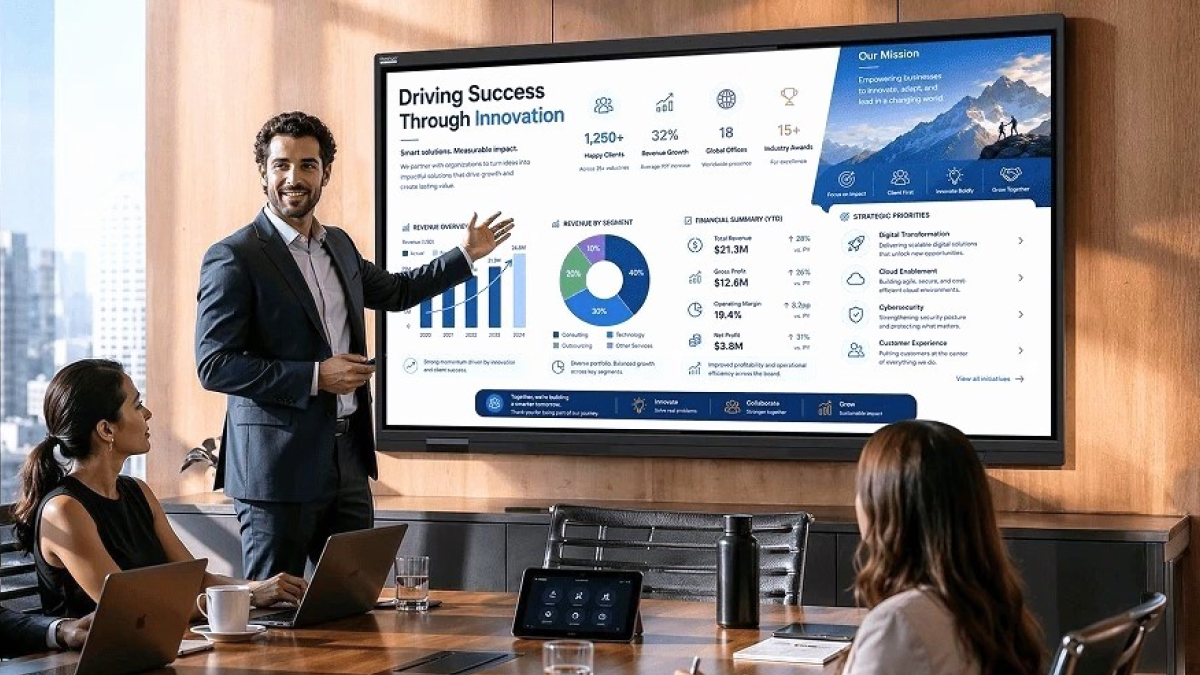
Interactive Display vs TV for Business: Which Solution Is Best for Your Meeting Rooms?
Looking for the best meeting room display? Compare professional TVs and interactive displays (multiboards) for hybrid work. Expert integration by Adventus Solutions.
Read more
8 frequently asked questions about Barco ClickShare wireless conferences
Learn all about Barco ClickShare and ClickShare Videobars wireless conferencing. Answers on BYOD, security, and integration from Adventus Solutions.
Read more
Why improve the quality of video conferencing?
Modern video conferencing solutions can facilitate communication and promote company development.
Read more