


Interactive Displays & Digital Signage Solutions for Modern Meeting Rooms and Workspaces
65'' - 86" Interactive Displays from EUR 1055+VAT
Delivery, installation and setup in Latvia, Lithuania and Estonia
Adventus Solutions offers interactive displays, touchscreens and Digital Signage solutions for meeting rooms, hybrid workplaces and customer areas in offices, retail businesses, educational institutions and public sector organisations.
We help companies choose, install and integrate the right display solution based on room requirements, collaboration needs and business goals.
You will receive designed complete solution, including equipment selection, installation, configuration, integration and ongoing support.
Solutions are suitable for:
- Meeting rooms and conference rooms
- Microsoft Teams and Zoom collaboration spaces
- Hybrid workplace environments
- Training and education rooms
- Government and public sector organisations
- Reception areas and customer communication spaces
Interactive displays - Multiboards
One device for presentations, video meetings, digital whiteboarding, and real-time collaboration
Prestigio Solutions interactive displays (multiboard) combine large touchscreen displays with collaboration tools for modern workplaces, education and meeting environments. Available in different screen sizes, these interactive displays support presentations, digital whiteboarding, wireless sharing and collaboration workflows in all-in-one device.
Suitable for:
- Corporate meeting rooms
- Training spaces
- Educational environments
- Hybrid collaboration
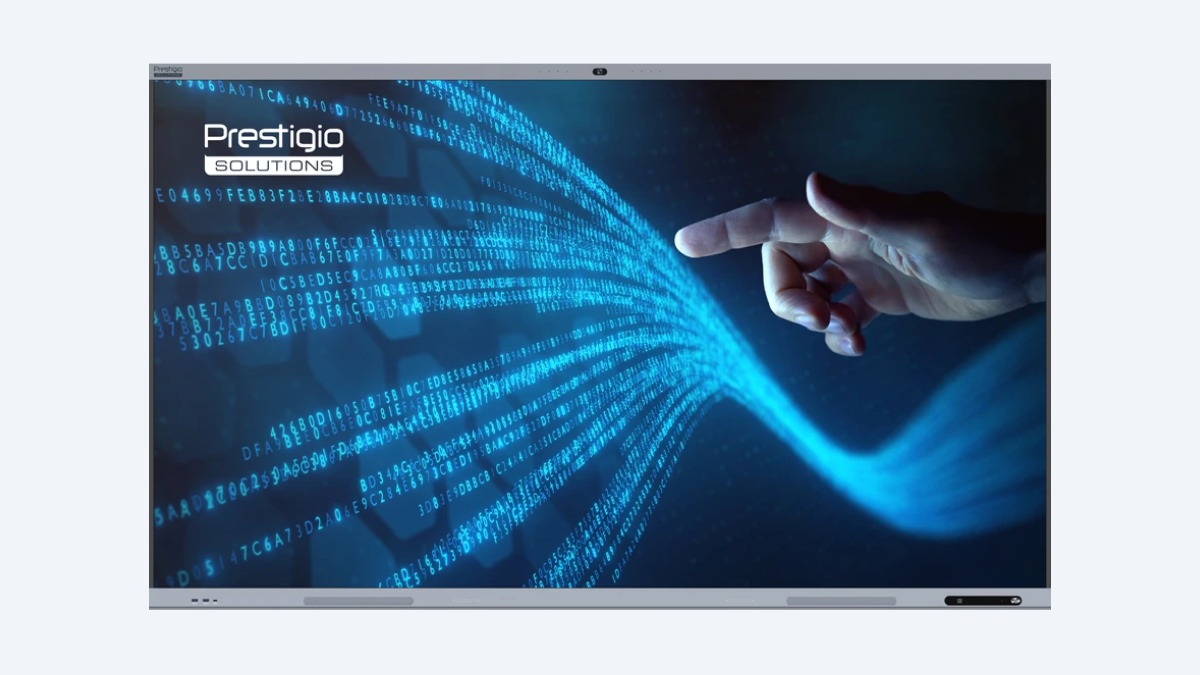
Multiboard Light Plus Series Gen 2 Prestigio Solutions
65'' 1355 EUR+VAT
75'' 1645 EUR+VAT
86'' 1895 EUR+VAT
Light+ Gen 2 multiboard is an all-in-one interactive display combining screen, camera, audio – built for meetings, teamwork, and education.
- Built-in camera 48MP & AI tracking
- Android 13 (upgradable to Android 16)
- Google EDLA certified
- Wi-Fi 6 & Dual Wi-Fi
- Wireless screensharing
- Brightness 500 cd/m
- 50 Touchpoints
- 16/128GB
- Speakers 60W
- 8 microphones
- Built-in AI tools
- Lifetime 50.000 h
- Compatible with Microsoft 365 and Google Classroom
- Available sizes: 65''/75''/86’’/98''/110''
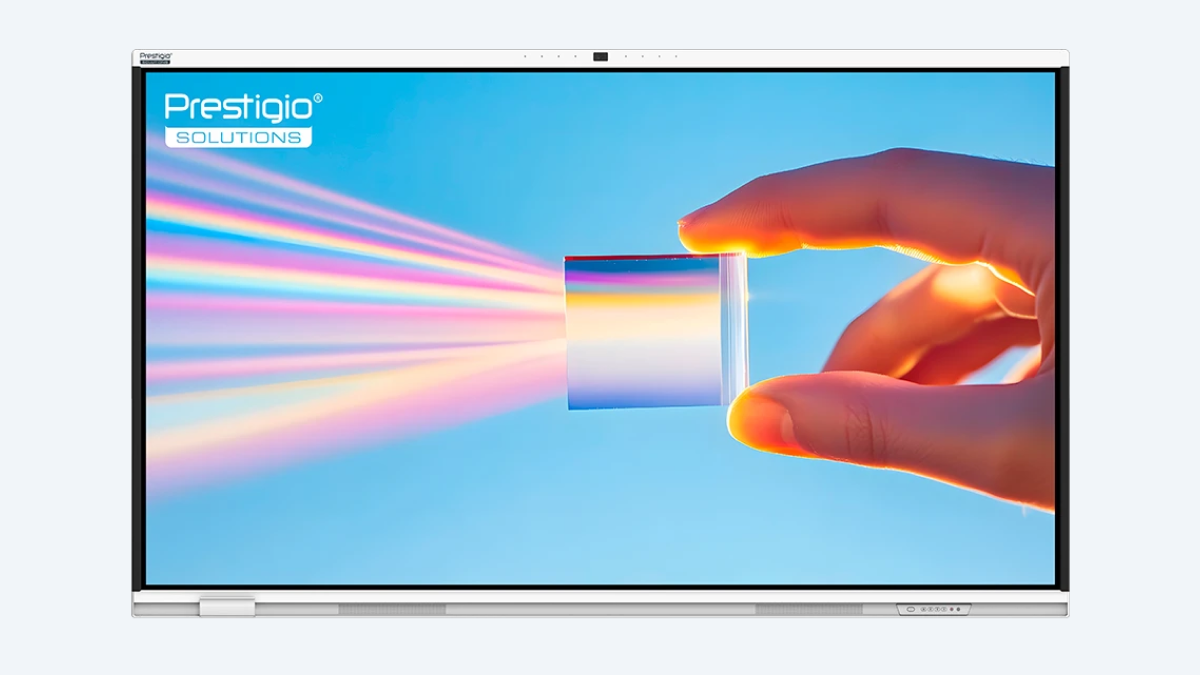
Multiboard Prism Series Prestigio Solutions
65'' 1310 EUR+VAT
75'' 1495 EUR+VAT
86'' 1850 EUR+VAT
New Next-generation interactive display with full spectrum of Google Mobile Services and built-in AI – for offices and classrooms.
- Built-in camera 48MP & AI tracking
- Android 14 (upgradable to Android 16)
- Google EDLA certified
- Wi-Fi 6 & Dual Wi-Fi
- Wireless screensharing
- Brightness 520 cd/m
- 50 Touch & writing points
- 8/128GB
- Ultra HD
- 8-microphone array
- Built-in AI tools
- Lifetime 50.000 h
- Compatible with Microsoft 365 and Google Classroom
- Available sizes: 65''/75''/86’’
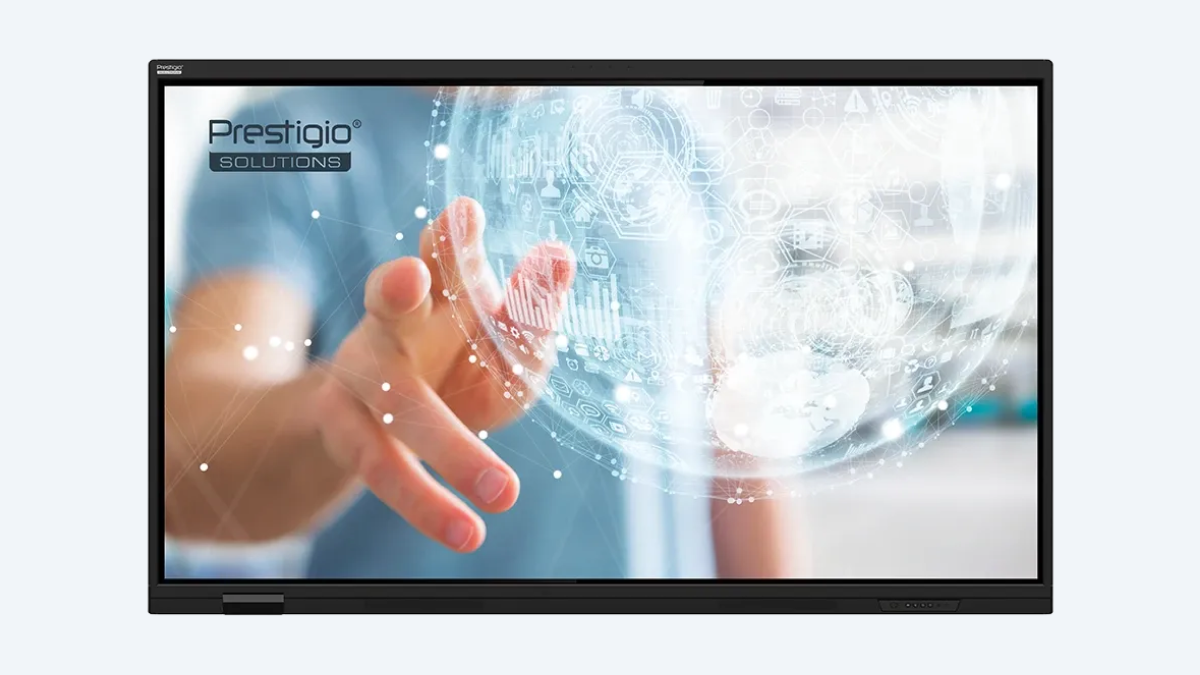
Multiboard Light Gen 7 Series Prestigio Solutions
65'' 1055 EUR+VAT
75'' 1185 EUR+VAT
86'' 1375 EUR+VAT
New The new generation of Light Series interactive displays with built-in access to Google apps and services and smart AI assistance – built for meetings, teamwork, and education.
- Android 14 (upgradable to Android 16)
- Google EDLA certified
- Wi-Fi 6 & Wi-Fi 5
- Wireless screensharing
- Brightness 520 cd/m
- 50 Touch & writing points
- 8/128GB
- 4K UHD
- 4-microphone array
- Built-in AI assistant
- Lifetime 50.000 h
- Compatible with Microsoft 365 and Google Classroom
- Available sizes: 65''/75''/86’’
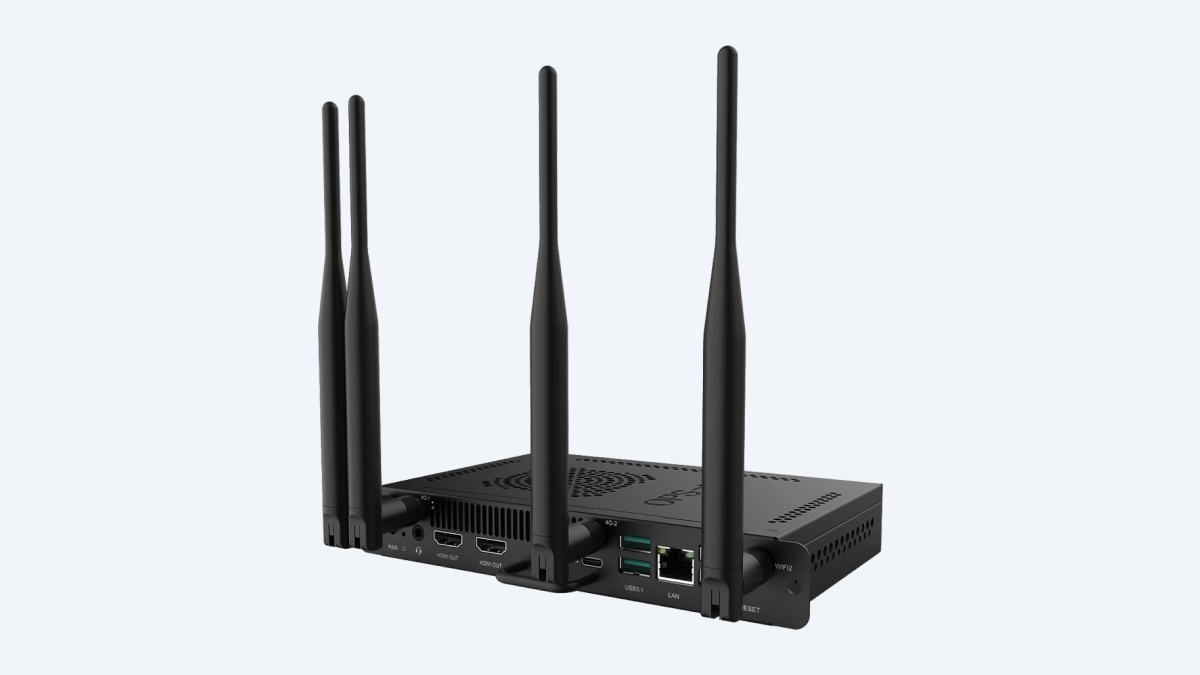
PC for Multiboard Prestigio Solutions
PC for Multiboard & Standalone Mini PC.
- 3G/4G
- 12th Gen Intel Core i5
- Intel® Iris® Xe Graphics
- Wi-Fi6
- Preinstalled Apps
- 8GB DDR5
- 256GB SSD
- Bluetooth 5.2
- SIM Card Slot
- 4x Antenna (LTE)

JoinU - software for modern meeting room
For meeting rooms of any size. Best in class software for cross-platform parallel screen sharing, video conferencing and meeting room booking system.
- Native Screen Sharing & Presenting
- Integrated Video Conferencing apps
- Booking meeting room system
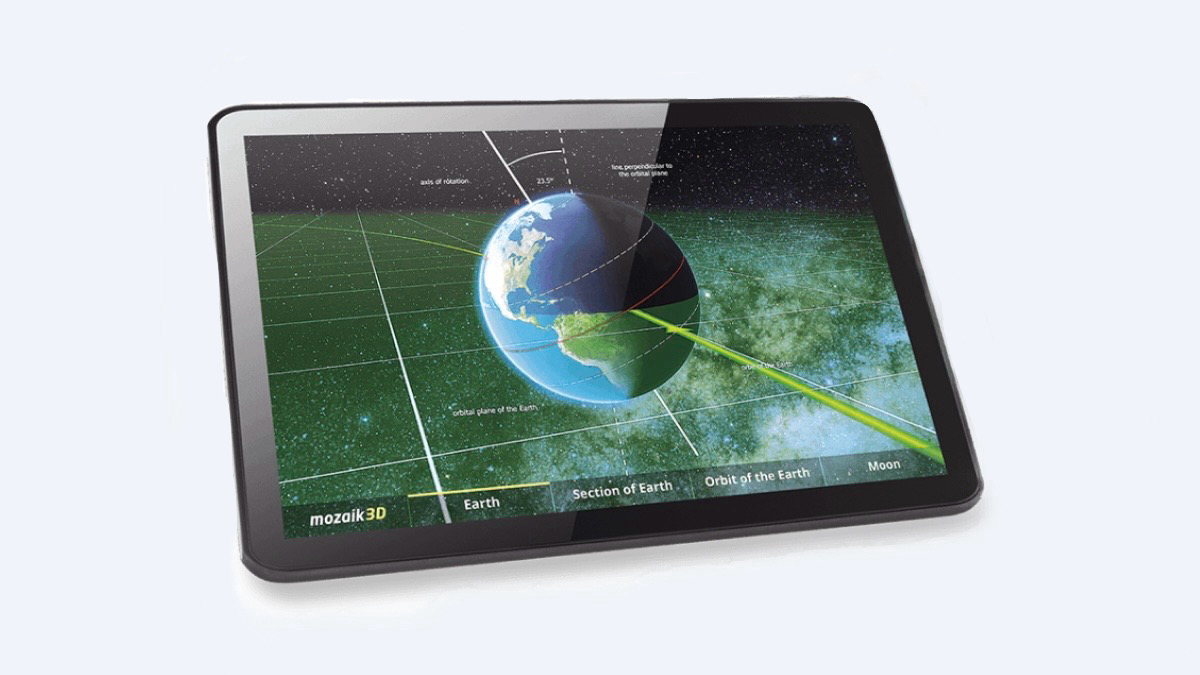
Mozabook Software
A teaching tool for engaging and interactive classroom experience
- A tool for teachers
- A tool for students
- Educational software
- Interactive content
- Further functions
- Tutorial videos
Related videos
Digital Signage Displays - Totems
Improve visitor experience with dynamic digital content!
Digital Signage displays help organizations communicate information more effectively and attract attention through dynamic visual content.
Digital Signage can be used for:
- Visitor information and reception areas
- Internal company communication
- Customer announcements
- Retail promotions
- Wayfinding and information screens
Suitable for: Reception screens, Information displays, Retail communication, Public spaces, Hospitality environments.
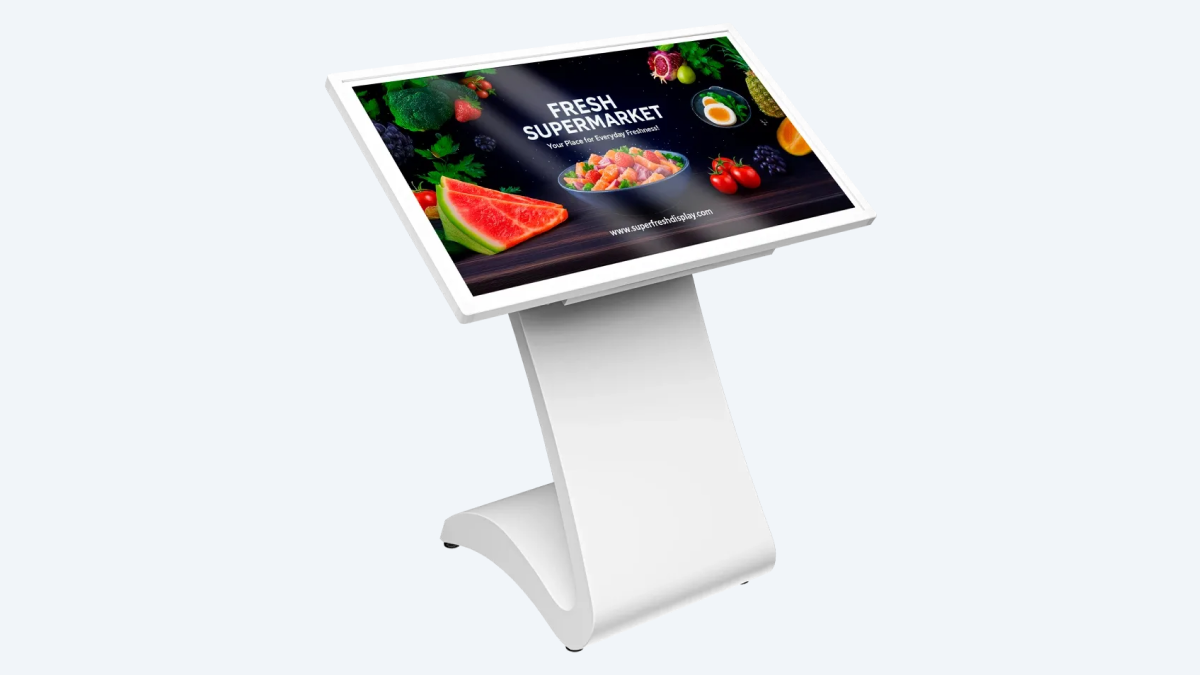
43" Indoor Tilted Totem
Compact and user-friendly, perfect for engaging visitors and guiding them through your space. The tilted 4K display ensures smooth interaction for browsing, check-ins, or quick information access. Ideal for: Retail stores, hotels, museums, libraries, and public service points.
- 4K UHD Display
- Android 11
- 10 Touch Points
- Built-in speakers
- Built-in computer
- Metal case

55" Indoor Vertical Totem
A large-scale solution that makes your message visible from any corner. The 55" UHD screen, high brightness, and slim design make it perfect for busy indoor spaces. Use it for promotions, digital campaigns, or wayfinding - all with effortless control through Android OS. Ideal for: Airports, malls, hospitals, universities, and large venues.
- 4K UHD Display
- Android 11
- 10 Touch Points
- Built-in speakers
- Built-in computer
- Metal case
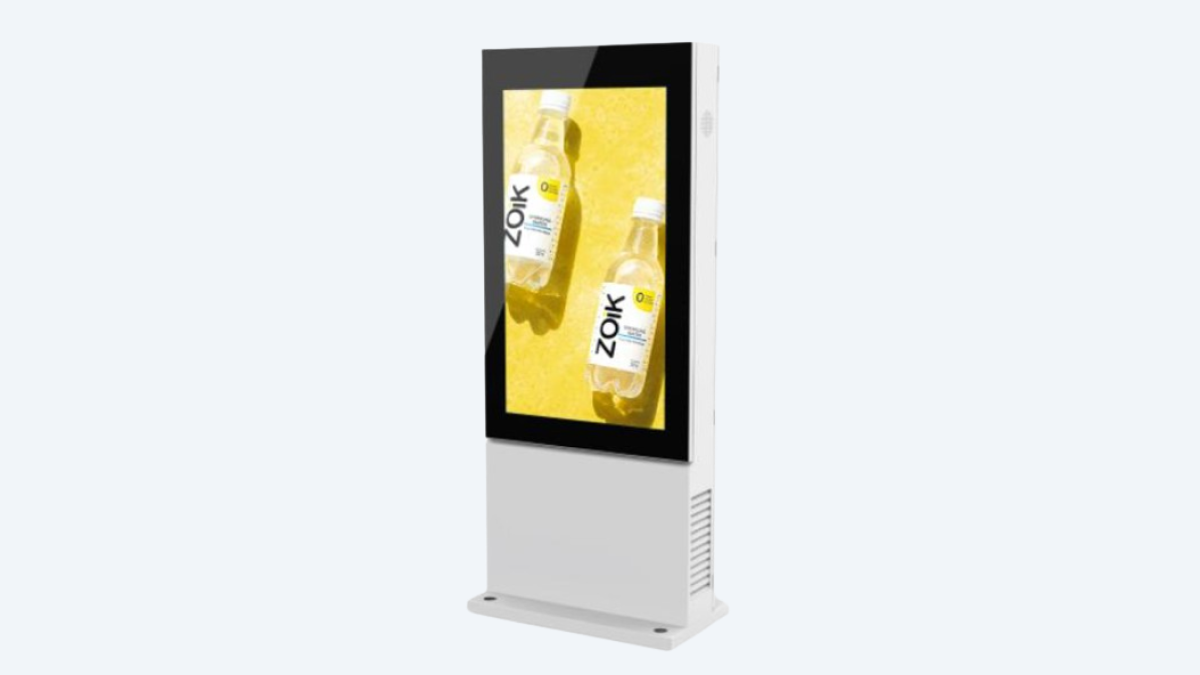
55" Outdoor Vertical Totem
Sold-out. Waiting for new generation model in Autumn 2026

Displayforce Interactive
Displayforce is solution for outdoor and indoor totem marketing automations based on AI algorithms, many features include: digital signage with real-time analytics, multiple templates library, trigger-based marketing messaging, and programmatic ad buying.
How to Choose the Right Interactive Display size?
The right display size depends on your room dimensions, number of participants and how the screen will be used.
Small Meeting Rooms
- 65" interactive displays recommended
Medium Meeting Rooms
- 75"-86’’ interactive displays recommended
Large Conference Rooms
- 86" or larger displays recommended where visibility from a distance is important
Our specialists can help you select the right display based on your room and collaboration requirements.
Why Choose an Interactive Display Instead of a Traditional TV?
A professional interactive display is designed specifically for collaboration. They support touchscreen interaction, digital whiteboarding, wireless content sharing and hybrid meetings. A standard TV is mainly designed for viewing content.
For organisations that need active teamwork and communication, an interactive display provides significantly more value than a standard screen.
Read more: Interactive Display vs TV: Which Solution Is Better for Business?
Why customers choose Adventus Solutions
Choosing the right display is not only about screen size or technical specifications.
With Adventus you receive:
- Professional advice based on your requirements
- Complete AV solution design, equipment supply and installation
- Integration with collaboration platforms
- Local support across Latvia, Lithuania and Estonia
- More than 25 years of technology experience
Our clients





.svg)
Step-by-Step Cooperation Process
- Consultation – Understanding your needs.
- Proposal – Solution recommendation and quotation.
- Approval – Order confirmation.
- Deployment – Delivery, installation and configuration.
- Support – Training, warranty and support.
Need Help Choosing the Right Display Solution?
Every meeting room and organisation has different requirements. Our specialists can help you evaluate your needs and recommend the most suitable interactive display or digital signage solution. Request a consultation or receive a personalised quotation from Adventus Solutions.
Frequently Asked Questions
What is an interactive display?
An interactive display is a large touchscreen designed for collaboration, presentations and digital interaction. It combines display technology, digital whiteboarding and collaboration features in one device.
What is the difference between an interactive display and a TV?
A TV is mainly designed for viewing content, while an interactive display allows users to write, annotate, collaborate and interact directly with the screen.
Which interactive display size should I choose?
The recommended size depends on your meeting room dimensions and the number of participants. Typically:
- 65" displays are suitable for smaller meeting rooms
- 75" displays are suitable for medium rooms
- 86" displays are suitable for larger rooms and training spaces
Can interactive displays be used with Microsoft Teams and Zoom?
Yes. Interactive displays can be integrated with modern collaboration platforms, including Microsoft Teams and Zoom solutions.
Do I need a Windows computer for an interactive display?
Not always. Many collaboration tasks can be performed using the built-in operating system. A Windows OPS computer may be recommended when full Windows applications or specific meeting room functionality is required.
Can several people use an interactive display at the same time?
Yes. Modern interactive displays support multi-touch functionality, allowing several users to write and interact simultaneously.
Where are interactive displays commonly used?
Interactive displays are used in corporate offices, education, government, healthcare, hospitality and other environments where collaboration and communication are important.
Does Adventus Solutions provide installation and configuration?
Yes. Adventus Solutions provides complete implementation services, including consultation, equipment selection, installation, configuration and support.